3.4 – Notifying Clients, Documentation & Post-Incident Review
Lesson at a Glance:
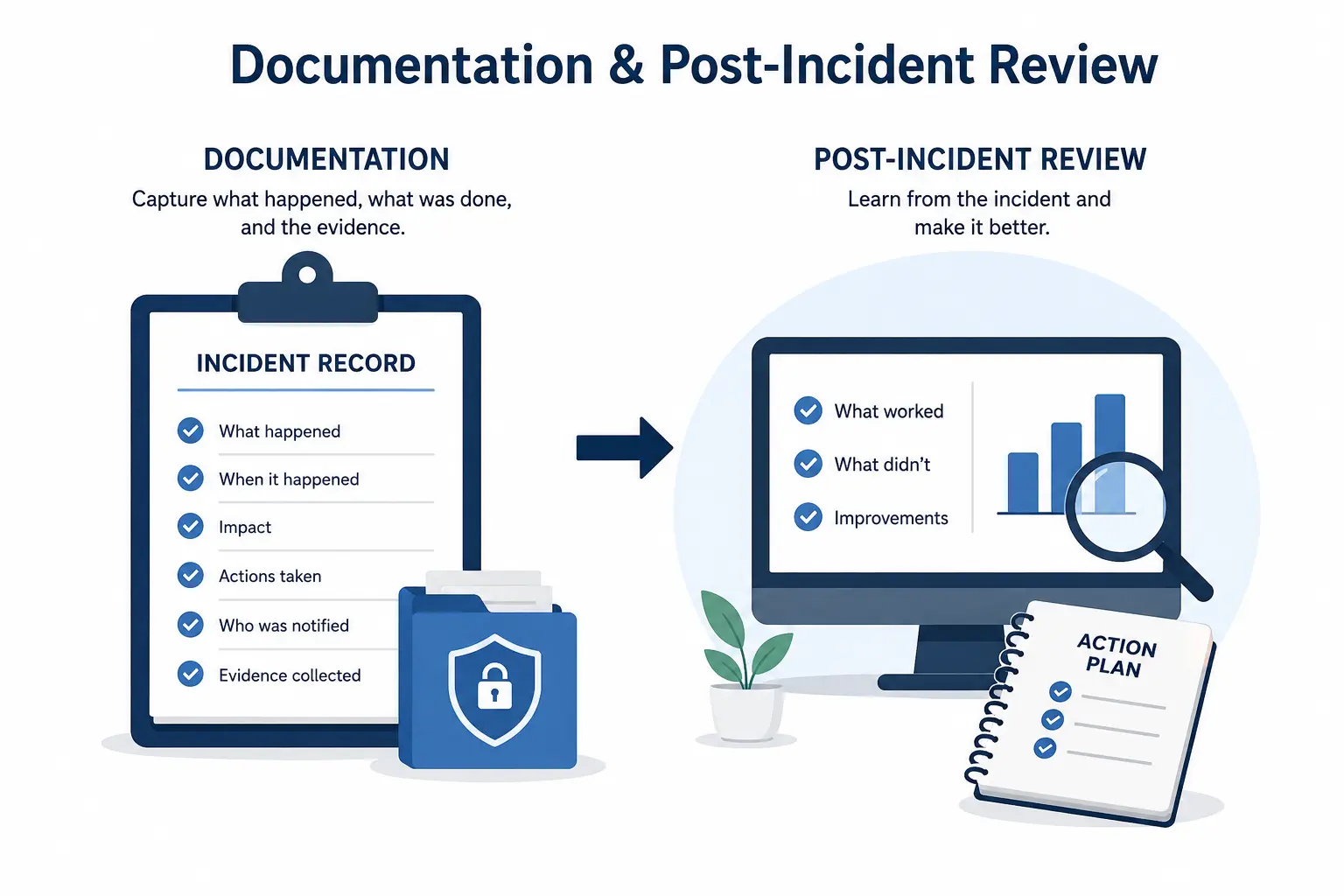
The Incident Log — Start Immediately, Never Stop
The incident log is a contemporaneous, chronological record of everything that happens from the moment you discover the breach through the close of the incident. “Contemporaneous” means written at the time — not reconstructed from memory days later. The log begins the moment you discover the breach and continues through every action taken during response.
Start your log on paper if your computer is compromised

A yellow legal pad works perfectly. Transfer to a digital document later once you are on a clean device. The physical log from the first hours of a breach is actually valuable evidence — do not discard it once it has been digitized.
The Complete Incident File
By the time a breach is fully resolved, your incident file should contain the following documents. Organize them in a dedicated folder — physical and digital — and retain for a minimum of seven years:
|
Document |
Purpose |
|---|---|
|
Incident log (chronological) |
Master timeline of all actions from discovery to resolution — your primary evidence of an appropriate response |
|
Initial discovery notes |
What you observed when you first detected the breach — written at the time, not reconstructed |
|
IRS Stakeholder Liaison call record |
Date, time, name of liaison, case number assigned, summary of guidance received |
|
Tax software vendor call record |
Date, time, representative name, actions taken on your account, any fraudulent return findings |
|
Law enforcement report |
Police report number and copy; IC3.gov complaint confirmation number |
|
Form 14039-B (if filed) |
Completed form with proof of submission (certified mail receipt or fax confirmation) |
|
Client notification letters |
Copy of every letter sent, with date sent, method, and client name |
|
Client notification log |
Spreadsheet or table listing every client notified, date, method, and any follow-up |
|
State notification records |
If state law required notification to the attorney general or a state agency, copies of those submissions |
|
Forensic report (if applicable) |
Results of any IT forensic examination — scope of data accessed, method of entry, timeline |
|
Remediation record |
What was fixed — new credentials, MFA enabled, device replaced, software patched — and when |
|
Updated WISP |
The revised version of your plan addressing the vulnerability that was exploited |
The Post-Incident Review
Your WISP requires a post-incident review within 30 days of resolving the breach. This review is not a formality — it is the mechanism by which your security program improves after an incident. A structured review covers four questions:
Identify the root cause: How did the attacker gain access? Was it a phishing email that captured credentials? An unencrypted device that was stolen? A former employee whose access was never revoked? The root cause drives every other finding in the review.
Review your incident log against your written incident response plan. Did you follow each step? Were there gaps — actions that needed to happen but didn’t, or notifications that were delayed? Was every person who needed to act aware of their role?
Every breach exposes at least one gap in the security program that was not addressed in the WISP. Identify every gap the incident revealed — not just the one that was directly exploited. A ransomware attack might reveal gaps in backup procedures, email filtering, and staff training simultaneously.
For each gap identified, document the specific corrective action, who is responsible for implementing it, and the target completion date. This becomes your remediation action plan — and it drives the WISP update.
Updating Your WISP After a Breach
Post-Incident Review Findings
After a ransomware attack, a two-person tax office conducts their post-incident review. Their incident log was thorough and IRS notification was made within 18 hours. However, the review reveals three gaps not addressed in their existing WISP:
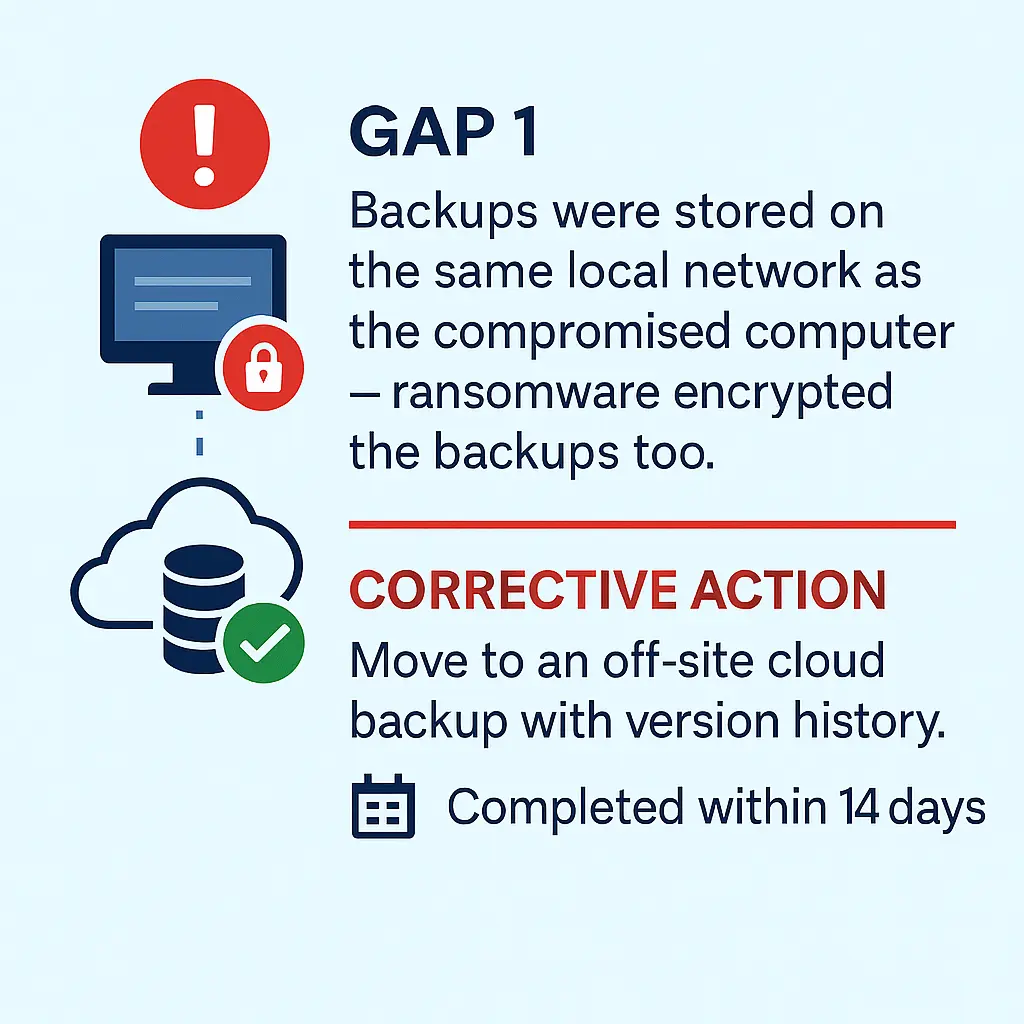
Gap 1:
Backups were stored on the same local network as the compromised computer — ransomware encrypted the backups too. Corrective action: Move to an off-site cloud backup with version history, completed within 14 days.
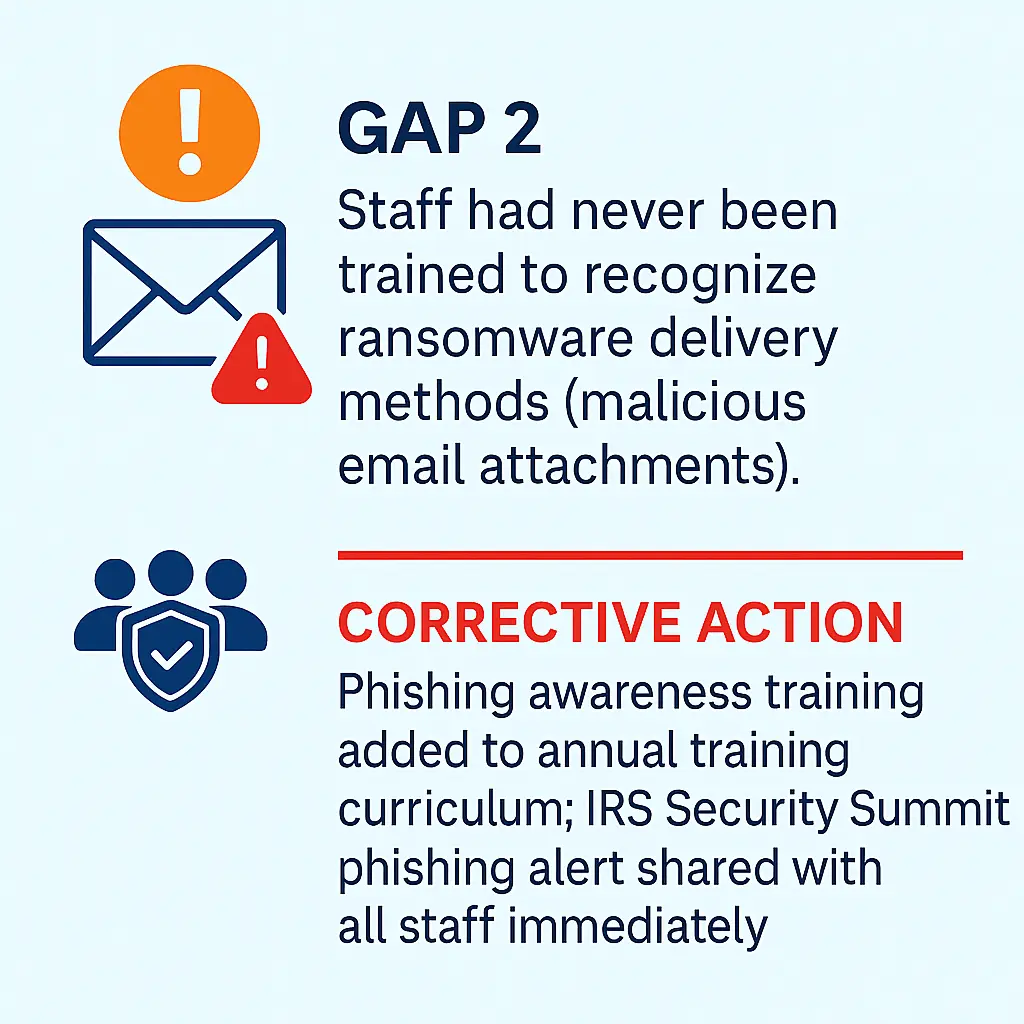
Gap 2:
Gap 2: Staff had never been trained to recognize ransomware delivery methods (malicious email attachments). Corrective action: Phishing awareness training added to annual training curriculum; IRS Security Summit phishing alert shared with all staff immediately.
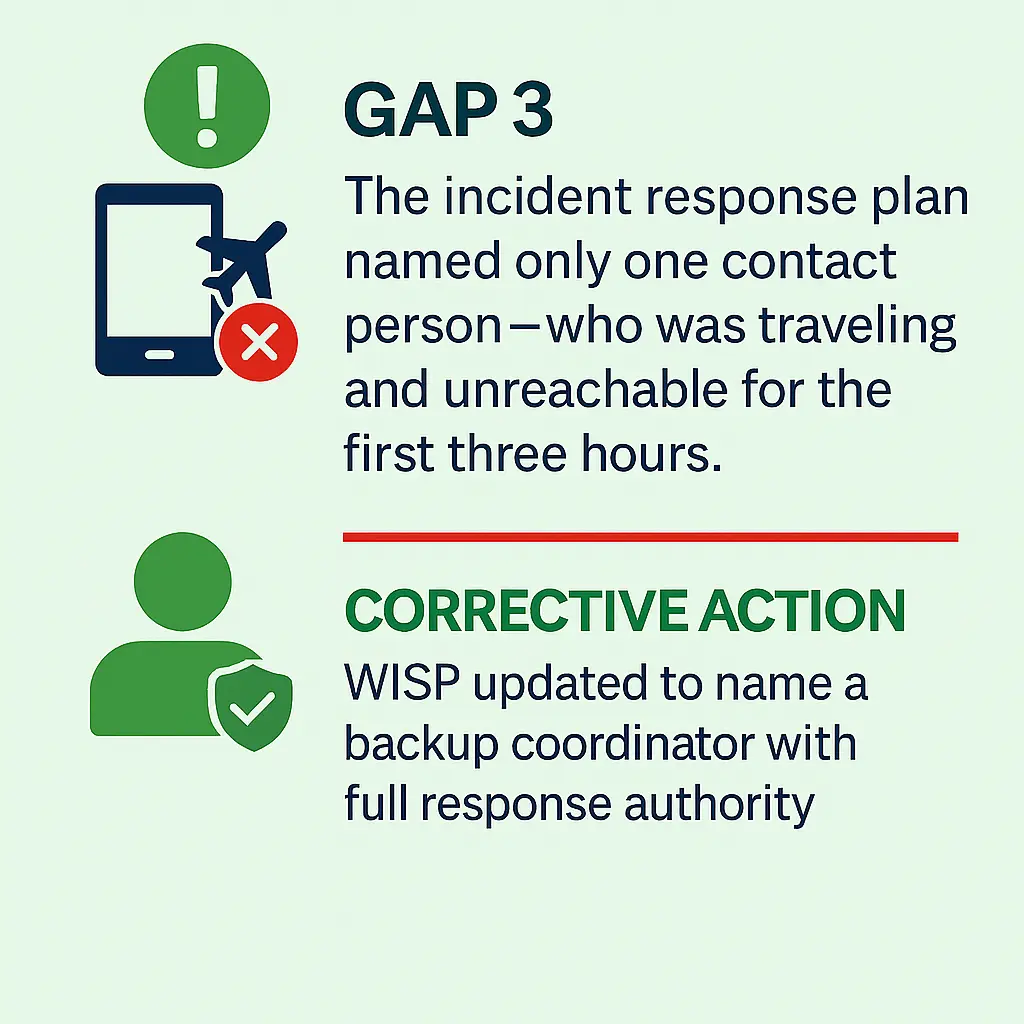
Gap 3:
Gap 3: The incident response plan named only one contact person — who was traveling and unreachable for the first three hours. Corrective action: WISP updated to name a backup coordinator with full response authority.
All three findings are documented in the post-incident review, and the WISP is updated within 30 days.
Retention of Incident Records
Retain all breach documentation for a minimum of seven years from the date the incident was resolved. This aligns with the general statute of limitations for federal civil actions and the IRS’s standard records retention guidance. Some state breach notification laws require longer retention periods — check your state’s specific requirements.